Meghna
Expert
mAadhaar App – Complete Guide
mAadhaar is the official mobile application developed by UIDAI (Unique Identification Authority of India) to provide Aadhaar services in a digital and secure format. Instead of carrying a physical Aadhaar card, users can now access their identity information directly on their smartphones. This initiative aligns with the Government of India's Digital India mission, which aims to reduce paperwork and enhance digital accessibility for citizens. With the help of Indiaadvocacy, individuals can understand how to use the app effectively and securely. The app ensures that personal identity data is always available while maintaining strong security protocols such as OTP-based authentication and biometric locking systems.
Key Benefits of mAadhaar
The mAadhaar application offers numerous advantages that make it highly useful in day-to-day life. One of the biggest benefits is convenience, as users no longer need to carry a physical Aadhaar card everywhere. The digital version is equally valid for identity verification across India. It also ensures instant access to Aadhaar details, which can be used for services such as KYC verification, SIM card activation, and banking processes. Additionally, the app enhances security by allowing users to lock and unlock their biometric data. This prevents misuse of sensitive personal information. Another major benefit is the ability to share Aadhaar details securely through QR codes or offline e-KYC, reducing the risk of data leaks. With guidance from Indiaadvocacy, users can fully utilize these benefits while staying compliant with official regulations.
- No need to carry physical Aadhaar
- Instant access to personal details
- Secure OTP and TOTP-based verification
- Easy sharing via QR code or email
- Supports multiple profiles on one device
Features of mAadhaar
mAadhaar comes with a wide range of features designed to simplify identity management. Users can create and manage their profiles within the app, ensuring that their Aadhaar details are stored securely on their device. The biometric lock feature adds an extra layer of protection by allowing users to disable biometric authentication when not needed. Another important feature is TOTP (Time-Based One-Time Password), which can be generated even without network connectivity, making it highly useful in remote areas. The app also enables users to share their Aadhaar information through QR codes, which can be scanned instantly for verification purposes. These features are especially beneficial for individuals who frequently need identity verification for services like banking, travel, and government schemes.
- Profile Management: Store Aadhaar details securely
- Biometric Lock: Protect fingerprint/iris data
- TOTP: Generate secure login passwords
- QR Code Sharing: Share details instantly
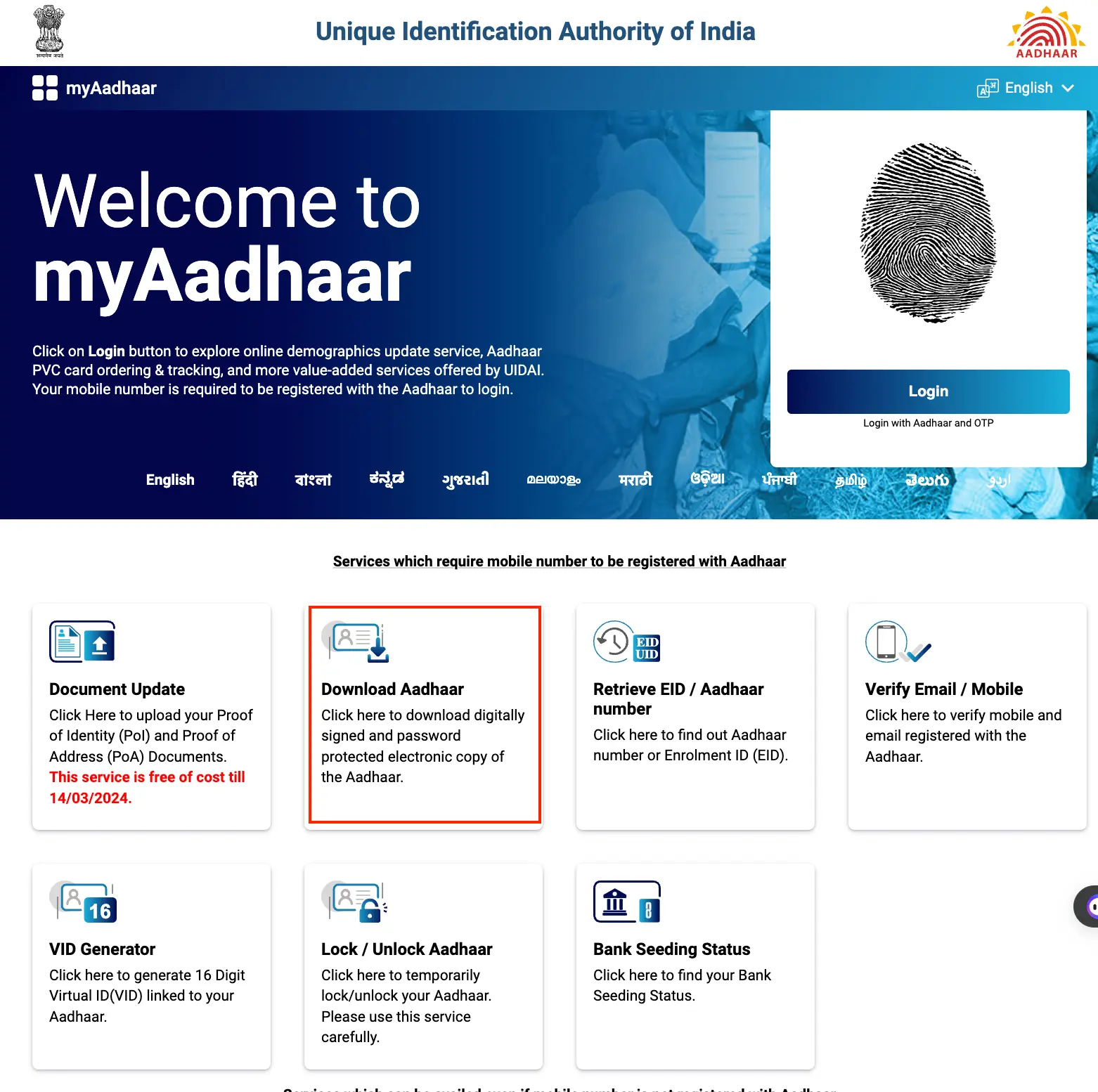
How to Download mAadhaar
Downloading the mAadhaar app is a simple process that can be completed in a few steps. Users need to visit the Google Play Store and search for the official mAadhaar application developed by UIDAI. It is important to verify the developer name to avoid downloading fake or duplicate apps. Once installed, users must create a secure password that will be required to access the app. The app is lightweight and optimized for Android devices, ensuring smooth performance even on basic smartphones. With Indiaadvocacy guidance, users can follow best practices for installation and avoid common mistakes such as downloading unauthorized apps.
- Open Google Play Store
- Search for "mAadhaar"
- Select official UIDAI app
- Click Install and open the app
- Create a secure password
How to Link Aadhaar
Linking Aadhaar to the mAadhaar app is a crucial step that enables users to access all features. After opening the app, users can either manually enter their Aadhaar number or scan the QR code present on their Aadhaar card. Once the details are entered, an OTP is sent to the registered mobile number. After successful verification, the Aadhaar profile is created within the app. This process ensures that only authorized users can access Aadhaar details. Indiaadvocacy recommends ensuring that your mobile number is updated in Aadhaar records before attempting this process to avoid verification issues.
- Open app and login
- Enter Aadhaar number or scan QR
- Click verify
- Enter OTP received
- Profile will be created successfully
View Aadhaar Profile
Once the Aadhaar profile is successfully linked, users can easily view their details within the app. This includes personal information such as name, date of birth, gender, and address. The app provides a user-friendly interface that makes navigation simple and intuitive. Users can also reset their password if they forget it, ensuring uninterrupted access. The digital Aadhaar can be used for identity verification across various platforms, making it highly practical for everyday use.
- Open app and select profile
- Enter password
- View stored Aadhaar details
- Reset password if required
Biometric Security
Biometric security is one of the most important features of the mAadhaar app. Users can lock their biometric data to prevent unauthorized access. This ensures that fingerprint and iris data cannot be misused for authentication purposes. The feature can be easily enabled or disabled through the app settings. It is highly recommended to keep biometric lock enabled when not in use to enhance data security. Indiaadvocacy strongly emphasizes the importance of this feature in protecting personal identity information.
- Enable biometric lock in settings
- Disable anytime when needed
- Protect personal identity data
Important Notes
There are certain important points that users should keep in mind while using the mAadhaar app. Currently, the app is available only for Android devices, which means iOS users cannot access it. A maximum of three profiles can be added to a single device, making it convenient for families. In case of phone loss, it is advisable to deactivate the registered SIM card immediately to prevent misuse. Additionally, the app requires a mobile number that is linked to Aadhaar for OTP verification. Following these guidelines ensures safe and efficient usage of the app.
- Works only on Android devices
- Maximum 3 profiles per device
- Deactivate SIM if phone is lost
- Requires registered mobile number
Using Indiaadvocacy, managing Aadhaar digitally becomes simple, safe, and convenient for every citizen.